Server Startup Error

  • Hi

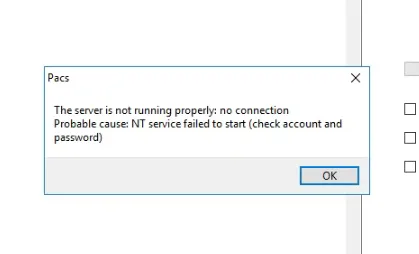
    During the import activity of Angio Data (data was placed in incoming folder), the conquest server stop responding. On restarting the server I am getting this error (error attached), IT Team also tried to help but of no use.

    I am using the latest version of conquest along with mysql database.

    Can you please guide.
    --Steve
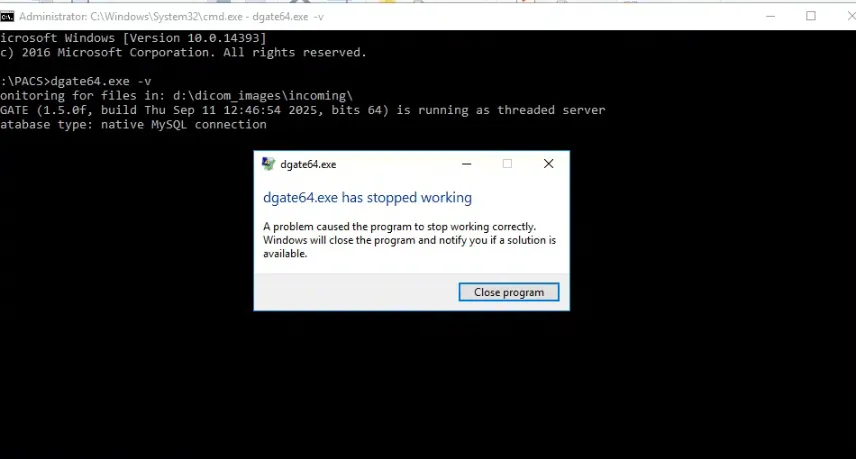
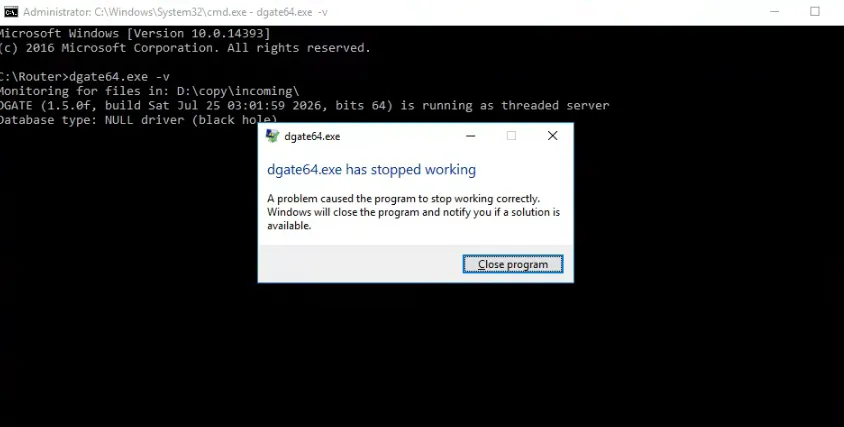
  • Can you try and run dgate64 -v from the command line.? That may give better information why the server does not start. By the way, the message sometimes shows when the server is slow. It may actually have started

    Marcel van Herk is developer of the Conquest DICOM server together with Lambert Zijp.

  • Using the dgate command i get the following error


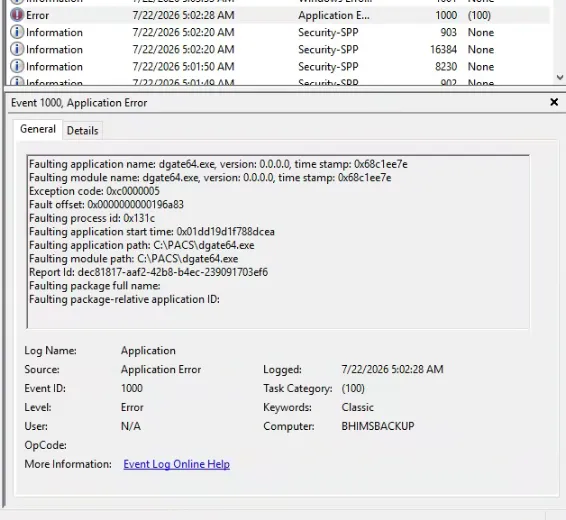
    Event Log


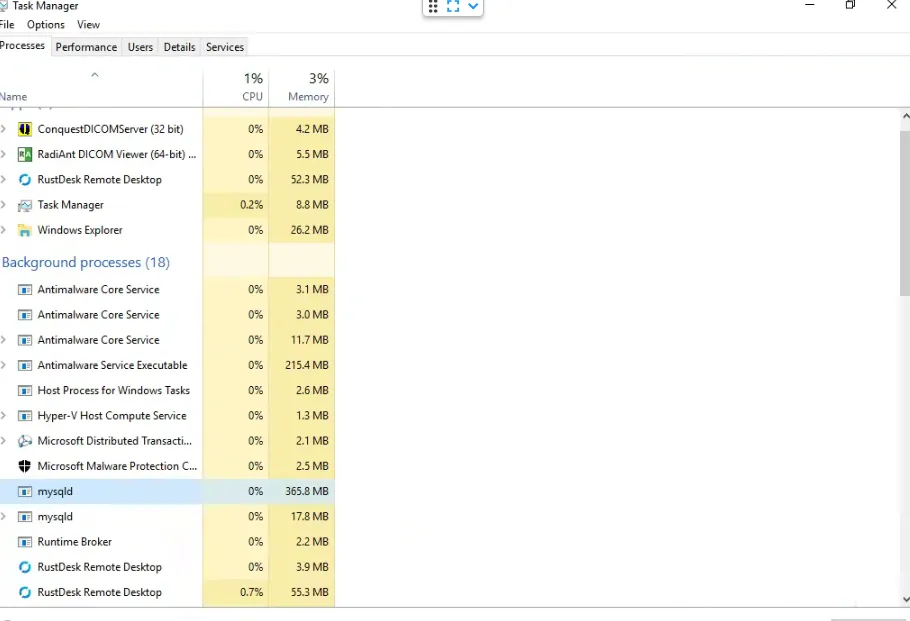
    On further debugging I found that when i run the PACS Server no dgate64.exe process was found in windows task list

    Edited once, last by DrSteve (July 22, 2026 at 2:25 PM).

  • HI Marcel

    I was debugging the issue. I setup a new test server on same machine and run it. With default configuration PACS Server runs fine. Then i copied the dicom.ini, acnema and dicom.sql files one by one. On copying the dicom.ini file i got the same error again.

    I reverted back to default dicom.ini and created a new database and import the database only not linked the original MAG with the PACS server. everything works fine and also dgate.exe a separate process is also created in windows task manager.

    Then i updated the dicom.ini step by step like AET name then port, file syntax , lua scripts server work fine. But when i updated the MAG address to point ot the Patient data server start giving the same error and dgate process was not created in the task manager.

    The MAG device is accessible , its a local D drive and no restriction is applied. I tried to update the path from GUI but again same error.
    Can you guide me in this regard why this is happening??


    --Steve

  • Hi,

    is there maybe a file in folder incoming that crashes the server? I think conquest is quite resilient to malformed files (if NoDicomCheck is off), but you never know.

    Marcel

    Marcel van Herk is developer of the Conquest DICOM server together with Lambert Zijp.

  • Hm,

    the server does not do anything except test if the MAG storage is writeable. It uses the folder printer_files for that. Did you maybe delete this folder?

    Marcel

    Marcel van Herk is developer of the Conquest DICOM server together with Lambert Zijp.

  • HI Marcel

    I am getting this error. Can you please guide me


    20260810 01:30:17 *** connection terminated
    20260810 01:30:20 ***Length exceeds remainder file size: 362e3634

    20260810 01:30:20 *** connection terminated
    20260810 01:30:21 ***Length exceeds remainder file size: 30303031

    20260810 01:30:21 *** connection terminated
    20260810 01:30:22 ***Length exceeds remainder file size: 362e3634

    20260810 01:30:22 *** connection terminated
    20260810 01:30:22 ***Length exceeds remainder file size: 30303032

    Dr Steve

  • Hi,

    I suspect somebody or some monitoring program is sending incorrectly formatted data to the server port at a fast rate.

    (20260810 01:30:17 *** connection terminated
    20260810 01:30:20 ***Length exceeds remainder file size: 362e3634); data shows 6.64 0002

    What happens if you try to start the server on another port?

    You also said that if you point the server to a different storage location than the error does not occur. Or did this change the port.

    The debug version needs to be run from visual studio to show the line number of the crash

    Marcel

    Marcel van Herk is developer of the Conquest DICOM server together with Lambert Zijp.

Participate now!

Don’t have an account yet? Register yourself now and be a part of our community!