


Example update for Windows: Download 150g zip file and unzip to temporary location. Start ConquestDicomServer.exe. Use [Update other] button to copy binary files to existing server. Note that this NOT UPDATE webserver files OUTSIDE the Conquest folder. It is imperative to copy these manually e.g. from c:\dicomserver\webserver\htdocs to c:\xampp\htdocs to provide improved safety.
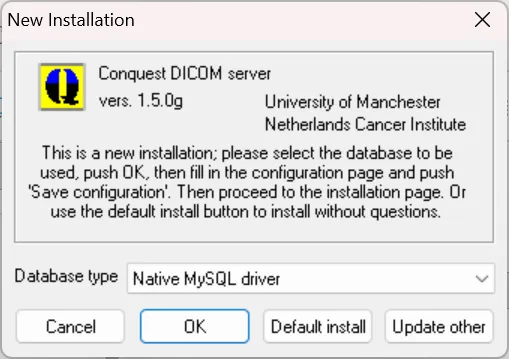
Marcel, if I want to use "Update other" for Windows, do I need to select the specific .exe file(s) to update? I assumed I should just browse to and then select the existing folder and it would update all the necessary files there but that does not seem to do anything.
Also, I need to move the image files to another location. Do I just edit the MAGDevice0 line or do I need to regenerate the database? The folder structure is the same.
Thanks!